1. Capture
Use fixed warm-up and measured-frame windows to record frame, CPU, GPU, allocation, memory, and rendering evidence where the platform exposes it.
PERFORMANCE EVIDENCE & CI
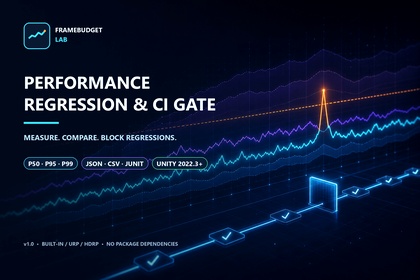
FrameBudget Lab captures controlled sampling windows, measures tail latency and spikes, compares trusted baselines, and returns a clear result for people and CI systems.
USD 24.99
WORKFLOW
Use fixed warm-up and measured-frame windows to record frame, CPU, GPU, allocation, memory, and rendering evidence where the platform exposes it.
Apply absolute budgets and relative baseline limits while checking Unity, platform, hardware, render pipeline, resolution, quality, and timing conditions.
Produce Pass, Warning, Fail, or Incomparable results plus JSON, CSV, JUnit XML, and deterministic batch-mode exit codes.
FEATURE OVERVIEW
These released product diagrams explain the three purchase reasons: tail-latency evidence, one comparable workflow, and reviewable automation output.


WHAT YOU GET
FrameBudget Lab measures and compares evidence. It does not rewrite or optimize project content, and target-device profiling remains essential for release decisions.
Get FrameBudget Lab